have fun
Mario
have fun
Mario
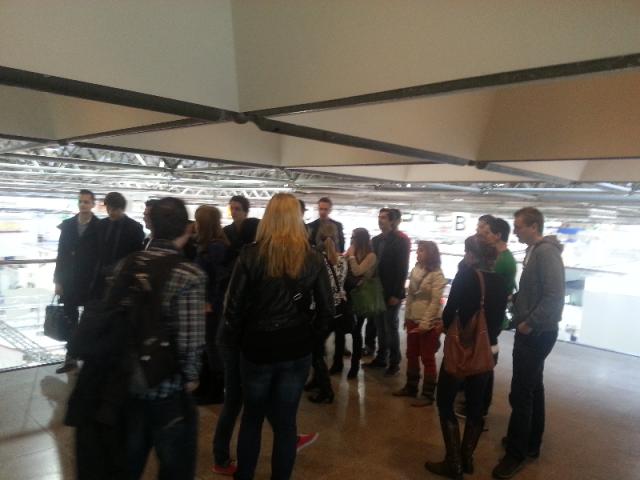
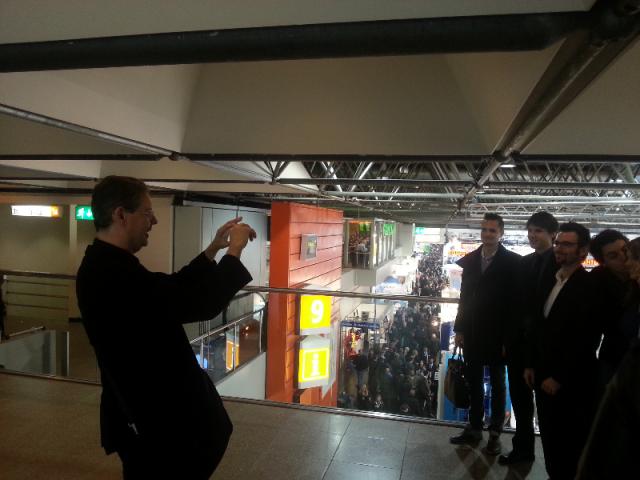
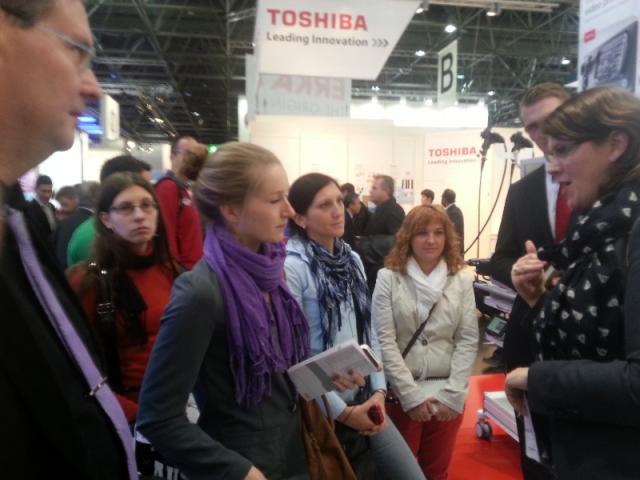
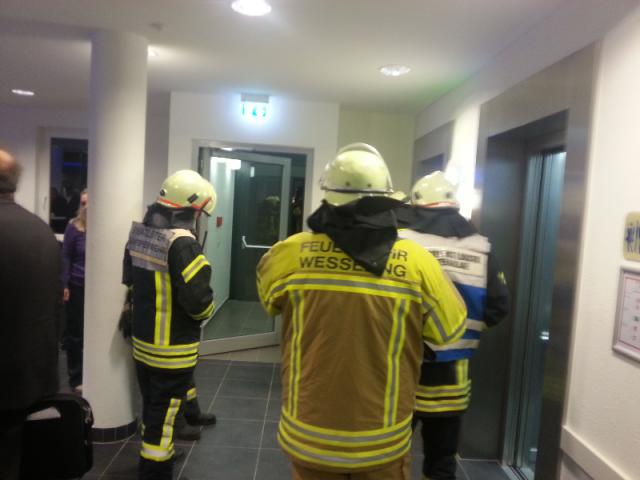
Thank you all for visiting,….. 🙂
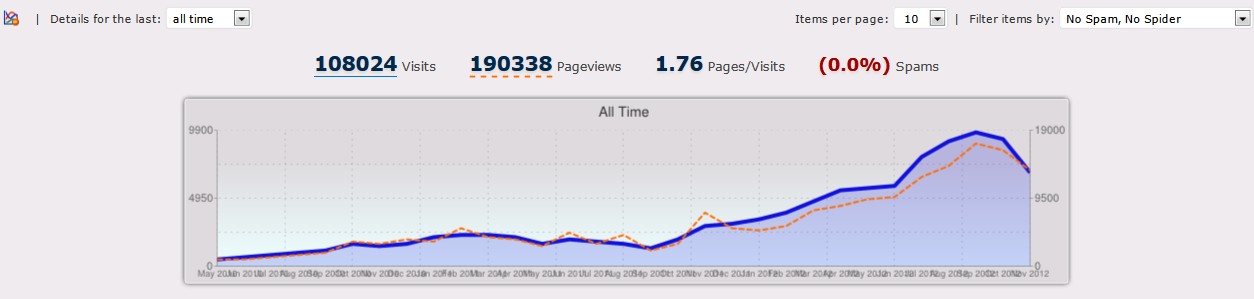

have fun
Mario
 re mainly focused in game development but they also have a great experience in building highly scalable middleware applications for sport timing respectively sport events.
They are named their product line Rankz.
Rankz is desigend for small to very large sports events with thousands of athletes. Its purpose is to get detailed information about every aspect of a sport event in real time. It has already been successfully used at the
Rankz is also the central core layer in a student project called “IRONNET” (FH-Sportstiming) done by students from Network Engineering & Communication (NET) and is also the overall software basis used by “FH Sportstiming” (NET). An older version is also operated by Triangle Show & Sports Promotion Gmb.
The middleware uses spring core layer technologies which allows them to be highlight flexible. The data structures which specify the sport event can be entirely configured through XML. A full featured editor for XML/POJO is also available. The interface to the timing database can also be configured through XML. For this reason you are neither limited by the used format of the timing data nor to the database engine. Rankz works out of the box with MySQL, PostgreSQL, Oracle, MSSql.
Furthermore Rankz uses a dynamic plugin system. So new features can be added very easily. Plugins can be loaded and unloaded @ runtime.
In detail one of the major queries are aborting with the meaningful error message:
nice stuff 🙂
It turns out that the usage of a “string as alias” are not handled correctly in postgresql, or so,… this part needs an explicit cast “::text”
If you also encountered this problem, you can download an updated query_base.class.php from -> here
have fun
Mario
[local /files/2012/09/flexCellVideo.flv]
If you are interested to learn more of robot technologies and its wide range of use please visit our study program mechatronics.
have fun
Mario
 For the last couple of years we have been using an Intel SS4400-E storage device for our internal backup stuff.
Suddenly the main RAID CIFS share stopped working. It seems for some reason nobody could mount this share anymore. All user got an access denied on mount attempts.
So what the hell was going on: The rather simple web interface wasn’t the burner, in fact the system log does not deserve the name Log 🙂
So mostly every RAID in this class is based on an embedded system driven by our friend Linux. This one is no exception.
So we first need the most important part,…. a working telnet or SSH connection. But a first “test” connection to the SS4400 device gave us “connection refused” as expected.
Luckily after some googling I found a hind that on this devices you can enable the SSH interface via a hidden CGI script.
http://hostname/ssh_controlF.cgi
Now you can login via “root” and your administration password.
By the way, this device comes with the Swiss Army Knife of Embedded Linux BUSYBOX which I also use for my embedded projects. I’m working with Busybox sense 2004 (version 0.94x), ….. great stuff :-).
But it seems, INTEL has some GPL violation with these devices. lol, ..On our bundled CDs we didn’t get any GPL sources from Busybox and Co? This is only mentioned in passing.
In our case a look into the system logs indicates that our RAID share had some file system problems. INTEL uses XFS as the file system on the storage device. Our system log was filled up with error messages of the file access layer.
In our case the solution was really simple. On device startup the file-system reports that there are errors, but then the corrupt partition is mounted and then ,… kabudl……
To fix this you first have to detach the corresponding RAID with “NASdetach”. Now you can unmount the partition and run the XFS repair binary “xfs_repair“.
After 10 – 15 min the repair should be finished.
Reboot the storage device and you should be able to access your share.
have fun
Mario
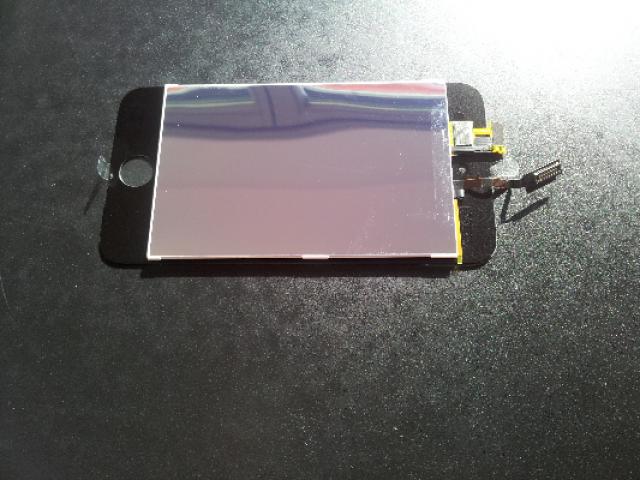
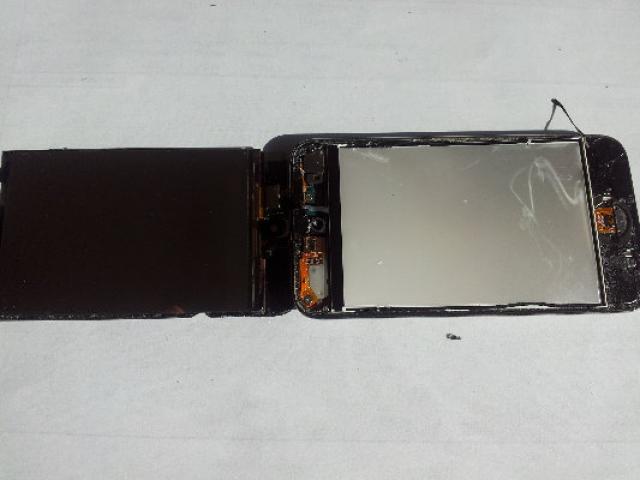
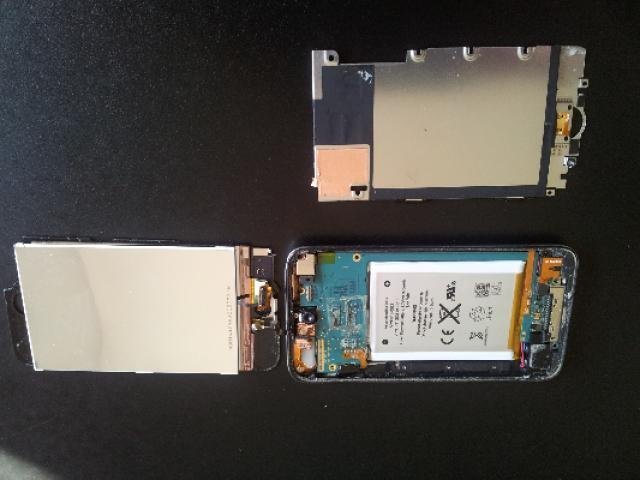
This beast took me more than 4 hours to get the glass + digitizer emerged 🙂

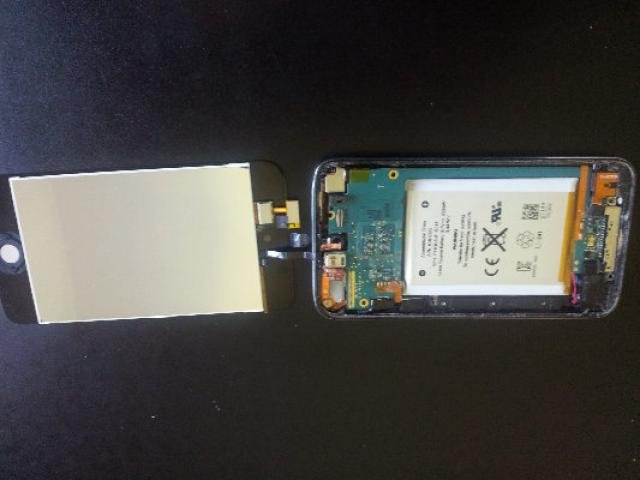
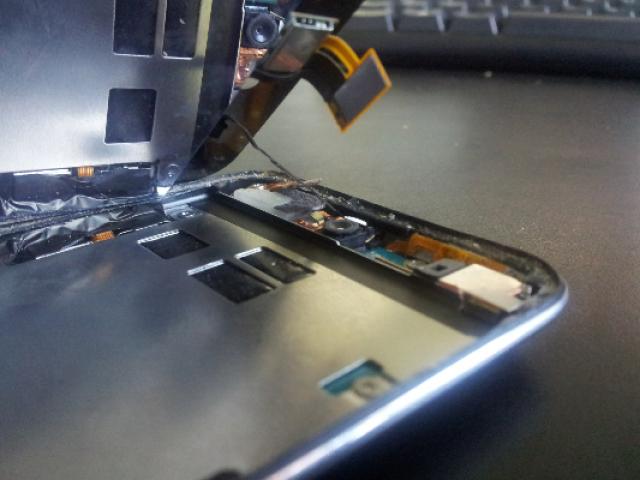
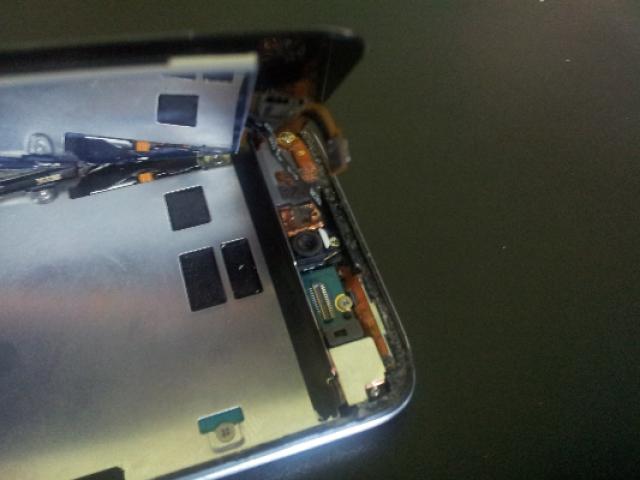
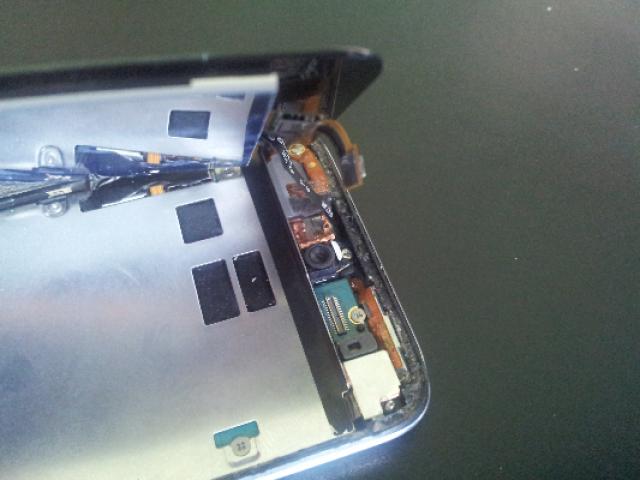
httpServer.cpp: In member function "std::string HttpJailServer::receive(int, e_t, size_t)":
httpServer.cpp:145:36: error: "read"was not declared in this scope
httpServer.cpp: In member function "void HttpJailServer::sendRaw(const char*,ze_t)":
httpServer.cpp:216:49: error: "write" was not declared in this scope
httpServer.cpp: In member function "void HttpJailServer::send(int, const stri, const string&)":
httpServer.cpp:250:15: error: "close" was not declared in this scope
on building vpl_xmlrpc_jail-1.2 for Moodle VPL module, there seems to be a missing include for these methods.
Just add,
#include <unistd.h>
to the httpServer.cpp, these should fix it.
have fun
Mario
For some reasons I got the meaningful error message :
Parser Error
Description: An error occurred during the parsing of a resource required to service this request. Please review the following specific parse error details and modify your source file appropriately.

Parser Error Message: Could not load type 'WebService.Global'.

Source Error:

Line 1:  <%@ Application Codebehind="Global.asax.cs" Inherits="WebService.Global" Language="C#" %>

Source File: /global.asax    Line: 1
In my case I solved the problem in changing the build output path from bin\x68\Debug to : bin
hope this helps anyone
have fun
Mario

The development packages came with one sensor USB-dongle pair and a .net library to get the sensor data up to the PC.
We did quite a lot of projects with our students, until the day our IT-Devision decided to switch over to WIN7_64 🙂 ….. Kabuuududduullll,….
Unfortunately the driver package for the ZStar3 USB interface is only made for WinXP.
But,…. 🙂
After some .inf file editing magic we (Letti (alias Joe) and Me) archived to alter the original driver information files to trick Windows to load and install the ZStar….. .sys
You can download the ZStar winx64 driver (for free) from here.
have fun 🙂
Mario