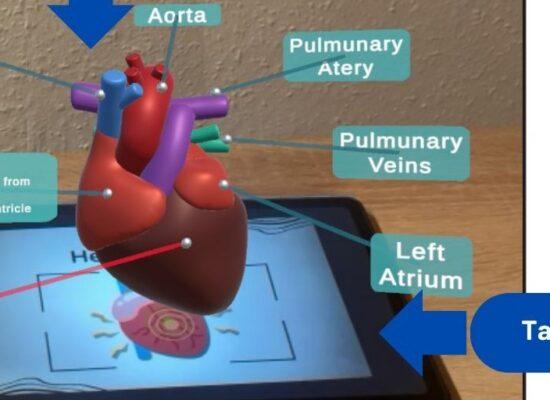
Welcome to the last post in our mini-series, ‘AR Games’, in which we explore various student projects developed as part of the ‘Augmented Visualisation in Medicine’ master’s course, taught by Andreas Daniel Hartl and Anna Drechslerová. Today, Niloofar Rajabi will tell us about the Anatomy Gallery: Anatomy at Your Fingertips!
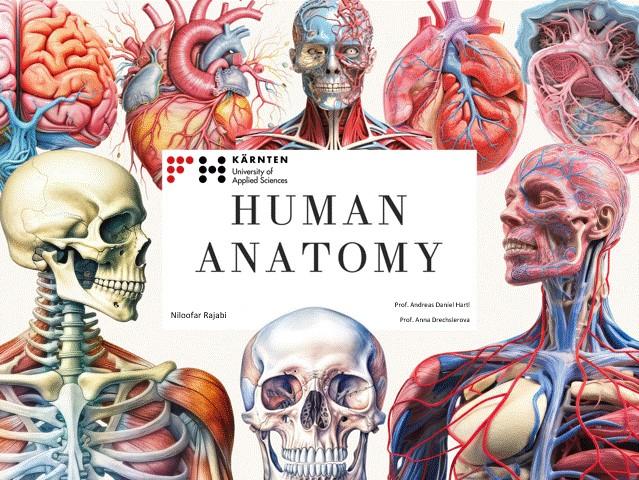
For decades, learning and understanding human anatomy—and the functions of its many parts—has challenged high schoolers, university students, and anyone curious about the human body. Across disciplines like biology, anatomy, physiology, and biochemistry, traditional resources such as textbooks and static illustrations remain essential, yet they often require considerable effort to grasp complex structures and their spatial relationships. For educators, explaining these concepts clearly and memorably can be equally demanding.
What if human anatomy could be explored in 3D—through interactive models instead of flat images? Imagine how much more engaging it would be if learners could rotate, and isolate anatomical structures, examining every detail from any angle.
That’s the idea behind Anatomy Gallery—an interactive Virtual Reality (VR) experience, designed to make learning anatomy more intuitive, engaging, and accessible. Within Anatomy Gallery, users can explore various virtual zones filled with detailed 3D anatomical models, interacting with each part to better visualize and understand the human body.
https://youtu.be/MgWA07g3sIE
This application, in its current version, includes three rooms:
1. Entrance Room
The entrance room welcomes you with four interactive 3D models — the ligament, ear, head, and eye. Using the control panel in front of each model, you can rotate and inspect them from different angles, as well as explore various layers and individual components of some models in detail. A large TV screen in the room plays educational documentaries, offering additional insights to enhance your learning experience.
2. Main Room
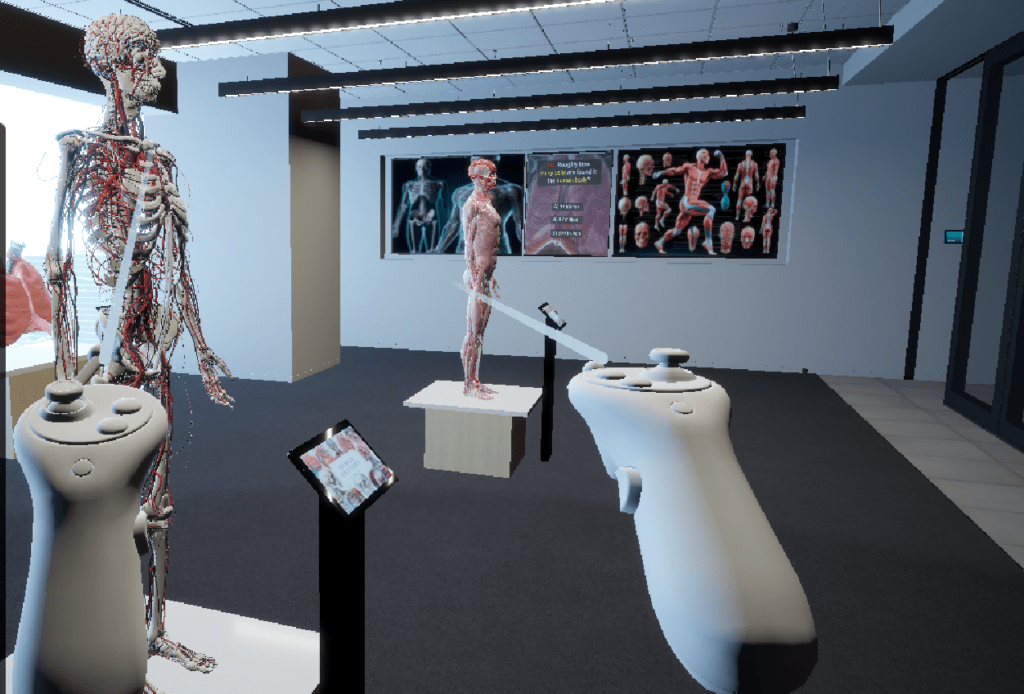
The main room presents a diverse range of anatomical displays designed for in-depth exploration. The muscular anatomy model features rotation controls and a dropdown interface filled with informative posters. A “Magic” button lets users highlight individual components in different colors for improved clarity. The multifunctional model combines bones, joints, vessels, and nerves, allowing each to be visualized separately alongside detailed explanations. The lung, spleen, and kidney are shown as rotatable models, enabling inspection from every angle, while the heart offers both rotation controls and a functional animation that demonstrates how it works. Every anatomical component can be enabled or disabled individually, giving visitors full control over their learning focus. A popup quiz video challenges users to test their knowledge in an engaging and interactive way.
3. DNA Room
The DNA room focuses on a single rotating model of DNA. Although it cannot be directly controlled by the user, it provides a highly detailed and immersive view of the molecule’s components and structure, serving as a visually captivating conclusion to the exploration.
Anatomy Gallery was developed for the Meta Quest headset (MQ3) using Unity and the XR Interaction Toolkit (XRI). Anatomical models were created from a mix of readymade prefabs and custom designs. Some structures were generated and processed with 3D Slicer, while others were refined and optimized in Blender before being integrated into the virtual environment.
But is this the end? Of course not.
This is just the beginning—Anatomy Gallery’s very first version. Looking ahead, we plan to create a custom virtual environment and expand it with interactive features such as quizzes, animations, and layered visualizations, tailoring the selection of anatomical models to our target users.
Informal feedback from early users has been very encouraging and insightful. Some suggested adding documentary videos tailored to specific anatomical models to deepen understanding. Others emphasized the value of features like zoom in/out for closer inspection and praised the functional animations, particularly of the heart. A few noted that certain models appeared more stylized than realistic, and recommended adjusting their design for greater authenticity. Users also appreciated the multi layered models, especially the way nerves, joints, bones, and vessels were visualized together. These comments are guiding the refinement of future versions.
Version 2 — Coming Soon!
Yours,
Niloofar